Check the Map CD-ROM Version Mode
"CHECK THE MAP CD-ROM VERSION" MODEHow to Perform
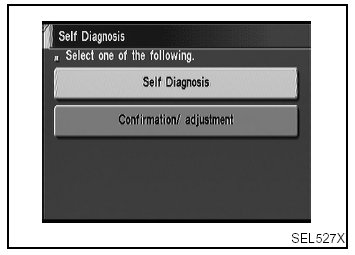
1. Start the engine.
2. Push "OPEN/CLOSE" switch and then open the display.
3. Push both "MAP" and "D/N" switches at the same time for more than 5 seconds.
4. Select "Confirmation/adjustment".
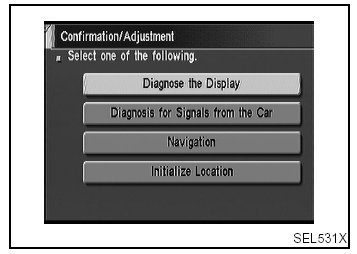
5. Select "Navigation".
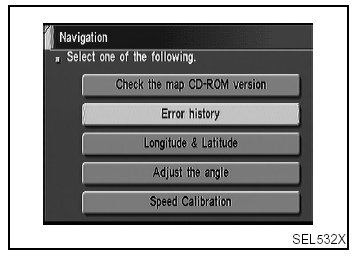
6. Select "Check the map CD-ROM version".
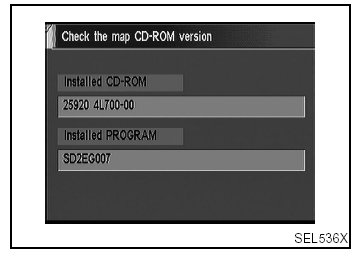
7. The version (parts number) of CD-ROM loaded to the NAVI control unit will be displayed.