Reprogramming Procedure
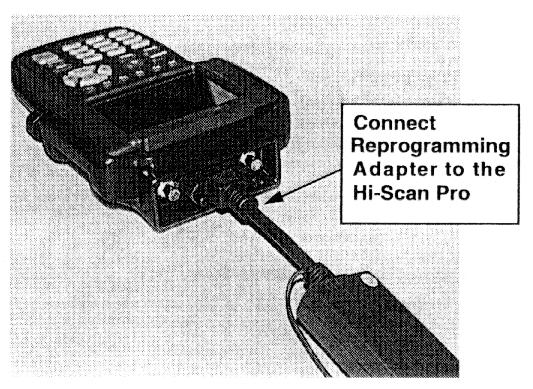
1. Remove the Data Link Connector (DLC) cable from the Hi-Scan and attach the Reprogramming Adapter.
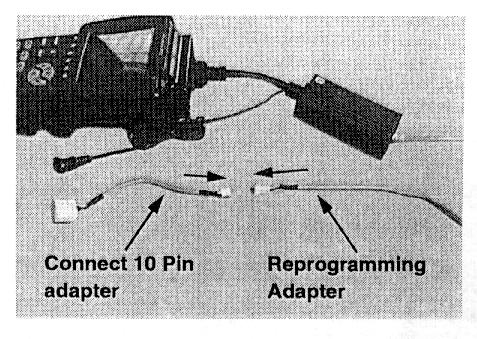
2. Connect the 10 pin adapter to the Reprogramming Adapter.
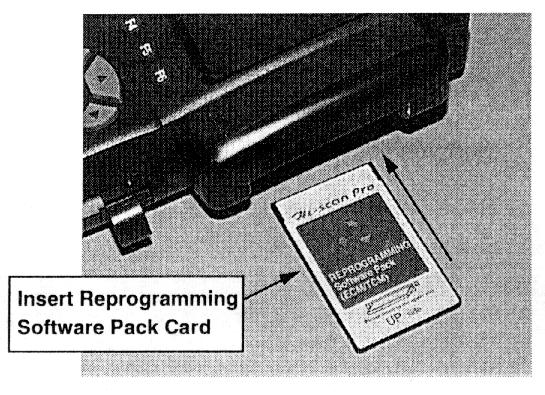
3. Remove the current software card from the Hi-Scan and insert the Reprogramming Software Pack card.
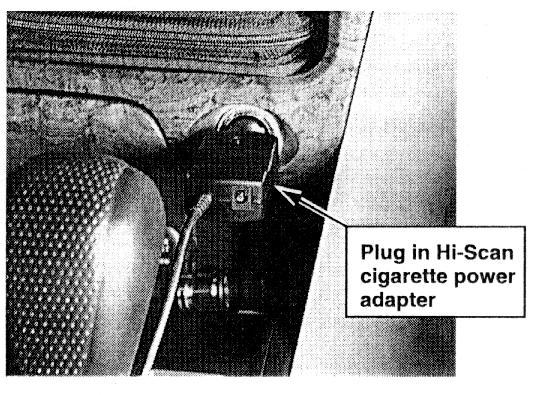
4. Insert the Hi-Scan cigarette power adapter.
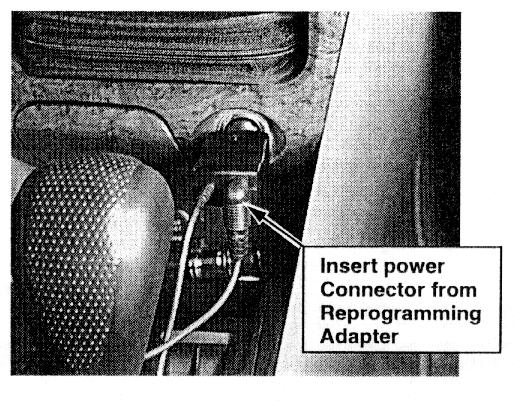
5. Plug the power connector from the Reprogramming Adapter into the cigarette adapter.
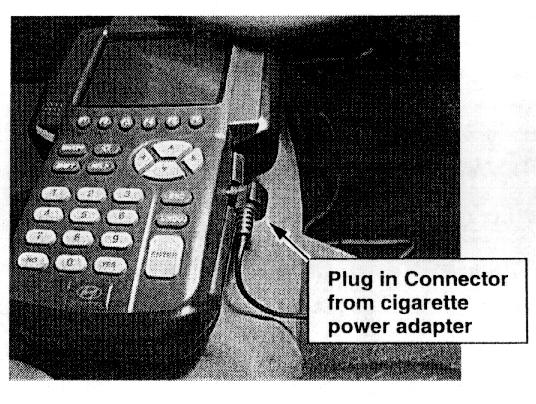
6. Plug the power connector from the cigarette adapter into the Hi-Scan.
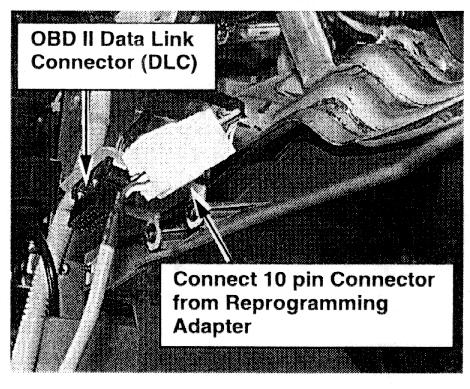
7. Connect the 10 pin connector from the Reprogramming Adapter into the white connector next to the OBDII Data Link Connector (DLC).
Location: Under the instrument panel above the driver's right foot.
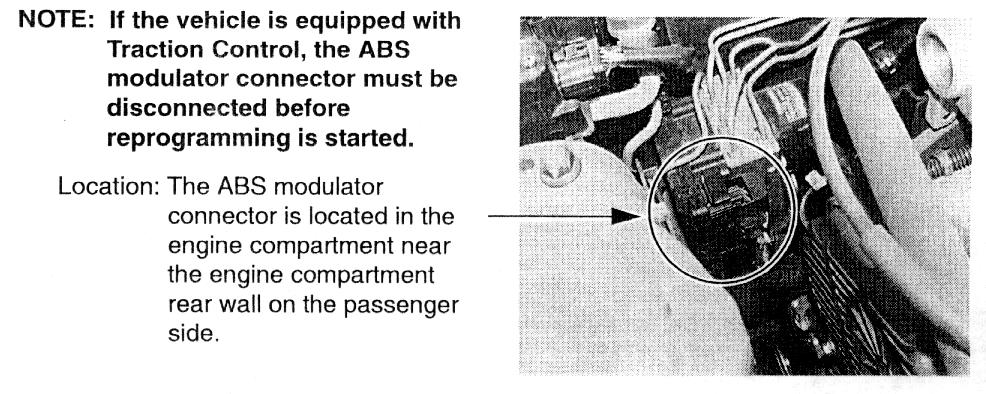
NOTE:
If the vehicle is equipped with Traction Control, the ABS modulator connector must be disconnected before reprogramming is started.
Location: The ABS modulator connector is located in the engine compartment near the engine compartment rear wall on the passenger side.
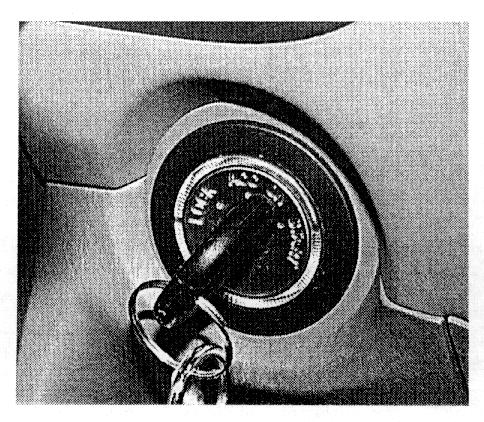
8. Turn the ignition to the "ON" position.
NOTE:
Do not start the engine!
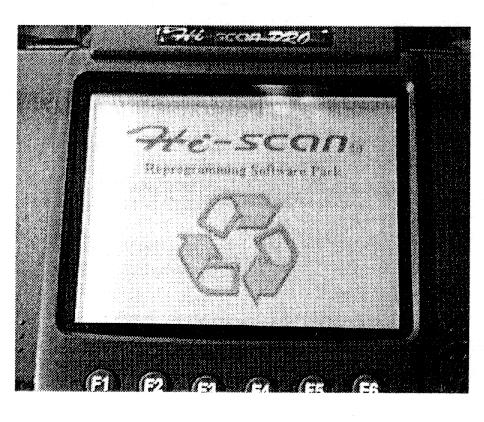
9. Turn the Hi-Scan Pro ON and press ENTER.
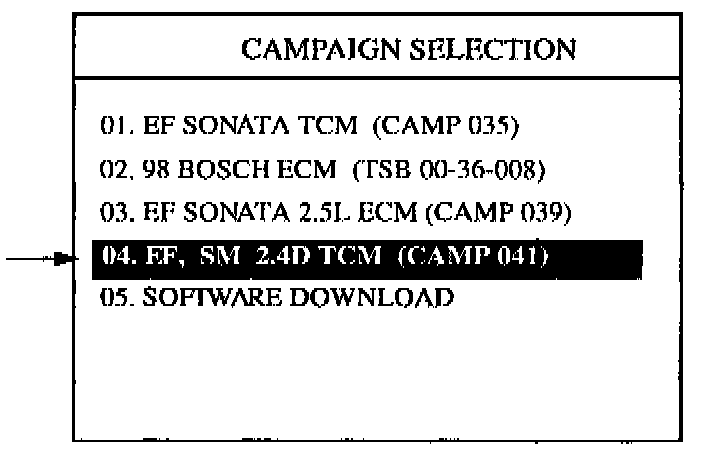
10. Select option "04. EF SM 2.4D TCM (Camp 041)" and press ENTER.
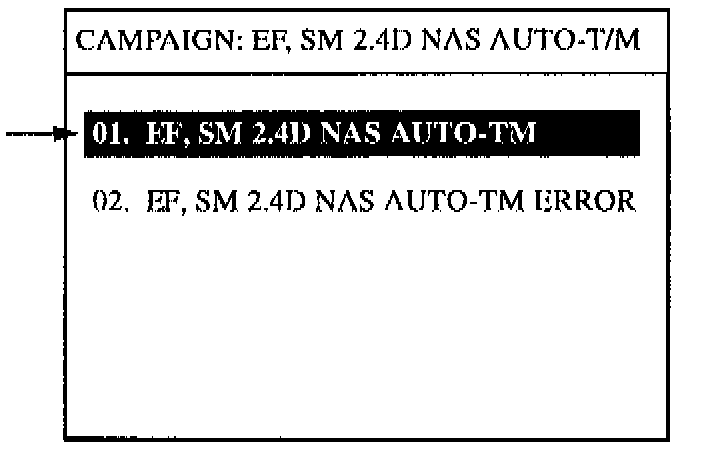
11. Select option "01. EF, SM 2.4D NAS AUTO-T/M" and press ENTER.
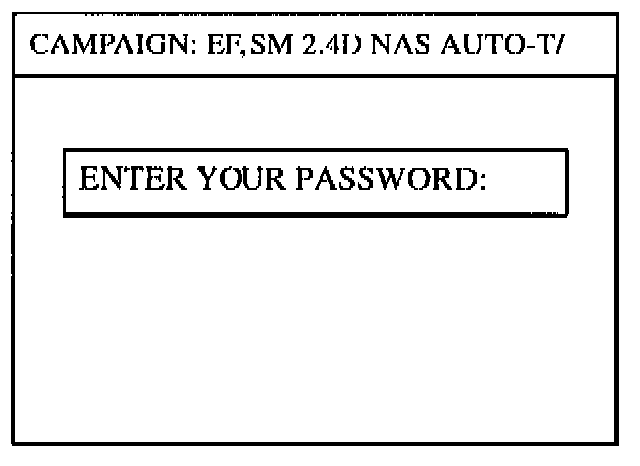
12. Enter 1229 as the password and press ENTER.
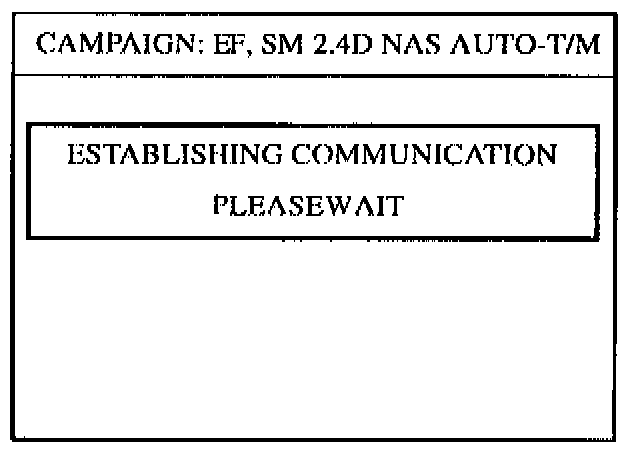
13. Hi-Scan establishes communication and checks for the TCM ROM ID.
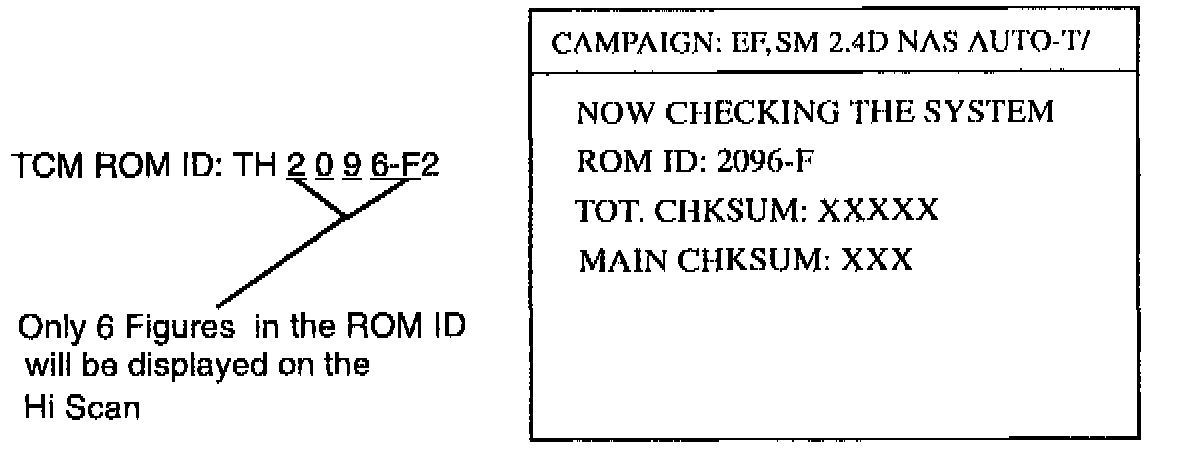
NOTE:
Hi-Scan detects current TCM ROM ID and displays it on the Hi-Scan screen.
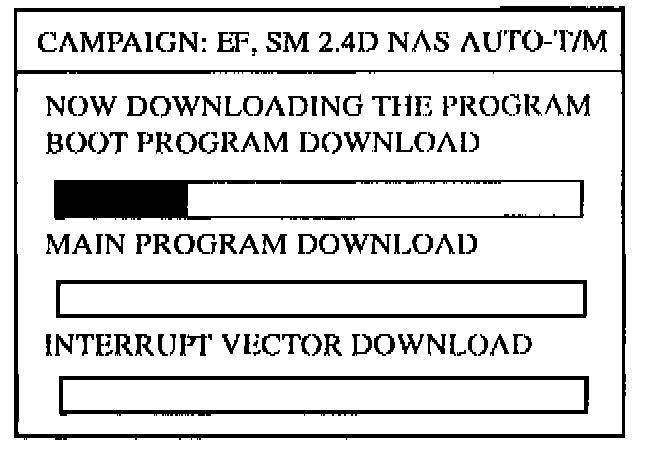
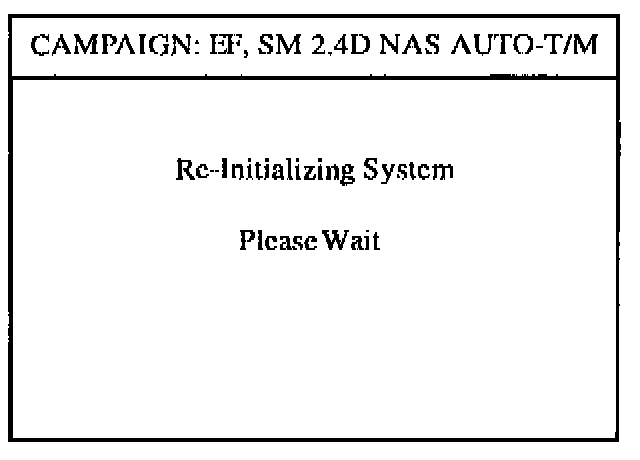
14. The Boot Program will download first, then the Main Program.
NOTE:
An error message may appear after the Boot Program is downloaded. The Hi-Scan will automatically retry the download process. It is not necessary to do anything at this time. If the Hi-Scan tries several times and does not download the program, go to the Manual Update Procedure.
WARNING:
DO NOT INTERRUPT THE REPROGRAMMING AT ANY TIME. THE TCM WILL BE RENDERED INOPERATIVE IF THE PROGRAM DOES NOT DOWNLOAD COMPLETELY.
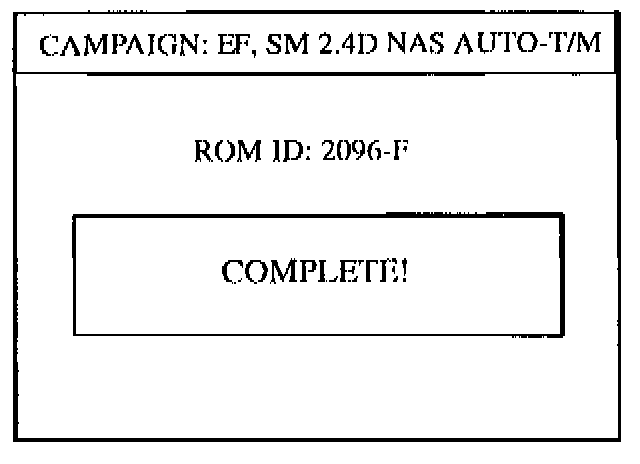
15. When COMPLETE message is displayed, turn off Hi-Scan and the process is over
If the ABS modulator connector was disconnected, reconnect it at this time.
NOTE:
The new TCM ROM ID is displayed when the download process is completed.
16. When the reprogramming is completed successfully, be sure to turn the ignition to the "OFF" position for about 20 seconds and then start the engine to verify proper download.
NOTE:
If the Reprogramming Procedure described above fails to download the new TCM program, Option 02 "EF, SM 2.4D NAS AUTO-TIM ERROR" must be used. Refer to the "Manual Update Procedure" in this bulletin.
17. After the TCM reprogramming has been completed, install an "Authorized Modification Label" in the engine compartment and hang a "Customer Information Tag" on the rear view mirror. Instructions for the "Authorized Modification Label" and the "Customer Information Tag" follow the "Manual Update Procedure".